THE WM LENS GUIDE

Find your view.

Explore the differences. Compare your favorites. Choose the lens that fits the way you work.

2 in × 4¼ in formatChoose your shade and viewing color.
Fixed shade. Auto-darkening. What’s the difference?
01 / PASSIVE

No electronics.

The 24K Fixed stays at its chosen shade. It does not switch automatically.

02 / SINGLE-SHADE AUTO

No buttons.

The Rave darkens automatically. Choose Shade 10 or 11 when you buy; you do not adjust it on the lens.

03 / DIGITAL AUTO

You adjust it.

Digital models let you change settings. Compare shades, viewing color, Grind Mode, and power. Voltage X Pro, Platinum, and Gold Blue View share the same performance and features; the main difference is viewing color.

Explore the lineup. Open any lens for the details.

Passive lens

Choose a passive lens with no electronics and one fixed welding shade.

Welding shades
10 or 11 — choose when ordering
Standout feature
No electronics. No controls.
See specifications
How it works
Passive — not auto-darkening
Welding shades
10 or 11 — choose when ordering
View technology
True Color; multi-layer filtration
Adjustments
None
Grind mode
Not applicable — passive lens
Power
No electronic power required
TIG capability
TIG compatible; no activation minimum (passive)
Size and fit
2 in × 4¼ in; approx. 5 mm thick

Before you chooseThis lens stays at its fixed shade. Shade 10 and Shade 11 are separate purchase options.

View lens
Single-shade auto

Choose automatic darkening without buttons or settings to adjust.

Welding shades
10 or 11 — choose when ordering
Standout feature
Automatic, with no buttons.
See specifications
How it works
Single-shade auto-darkening
Welding shades
10 or 11 — choose when ordering
View technology
True Color
Adjustments
Automatic; no buttons
Grind mode
No
Power
Solar-powered
TIG capability
Down to 5 A; sensors need sufficient arc light
Size and fit
2 in × 4¼ in; approx. 5 mm thick
Optical rating
1/1/1/2

Before you chooseChoose Shade 10 or 11 when ordering; the shade is not adjustable on the lens. Not intended for oxy-acetylene or laser welding.

TIG activation5 A TIG operation requires sufficient arc light reaching the sensors for proper activation.

View lens
Digital / Solar

Choose the Voltage X Pro viewing color with digital controls and Grind Mode.

Welding shades
9, 10, 11 — adjustable
Standout feature
Digital controls + Grind Mode.
See specifications
How it works
Digital auto-darkening
Welding shades
9, 10, 11 — adjustable
View technology
True Color
Adjustments
Shade, sensitivity + delay
Grind mode
Yes — dedicated Grind Mode
Power
Solar-powered
TIG capability
Down to 5 A; sensors need sufficient arc light
Size and fit
2 in × 4¼ in; approx. 5 mm thick
Optical rating
1/1/1/2

Before you chooseSame performance and features as the other two viewing-color models: Voltage X Pro, Platinum True Color, and 24K Gold Blue View. The main difference is viewing color.

TIG activation5 A TIG operation requires sufficient arc light reaching the sensors for proper activation.

View lens
Digital / SolarYou’re viewing

Choose the Platinum True Color view with the same performance and controls.

Welding shades
9, 10, 11 — adjustable
Standout feature
Platinum view + Grind Mode.
See specifications
How it works
Digital auto-darkening
Welding shades
9, 10, 11 — adjustable
View technology
Platinum True Color
Adjustments
Shade, sensitivity + delay
Grind mode
Yes — dedicated Grind Mode
Power
Solar-powered
TIG capability
Down to 5 A; sensors need sufficient arc light
Size and fit
2 in × 4¼ in; approx. 5 mm thick
Optical rating
1/1/1/2

Before you chooseSame performance and features as the other two viewing-color models: Voltage X Pro, Platinum True Color, and 24K Gold Blue View. The main difference is viewing color.

TIG activation5 A TIG operation requires sufficient arc light reaching the sensors for proper activation.

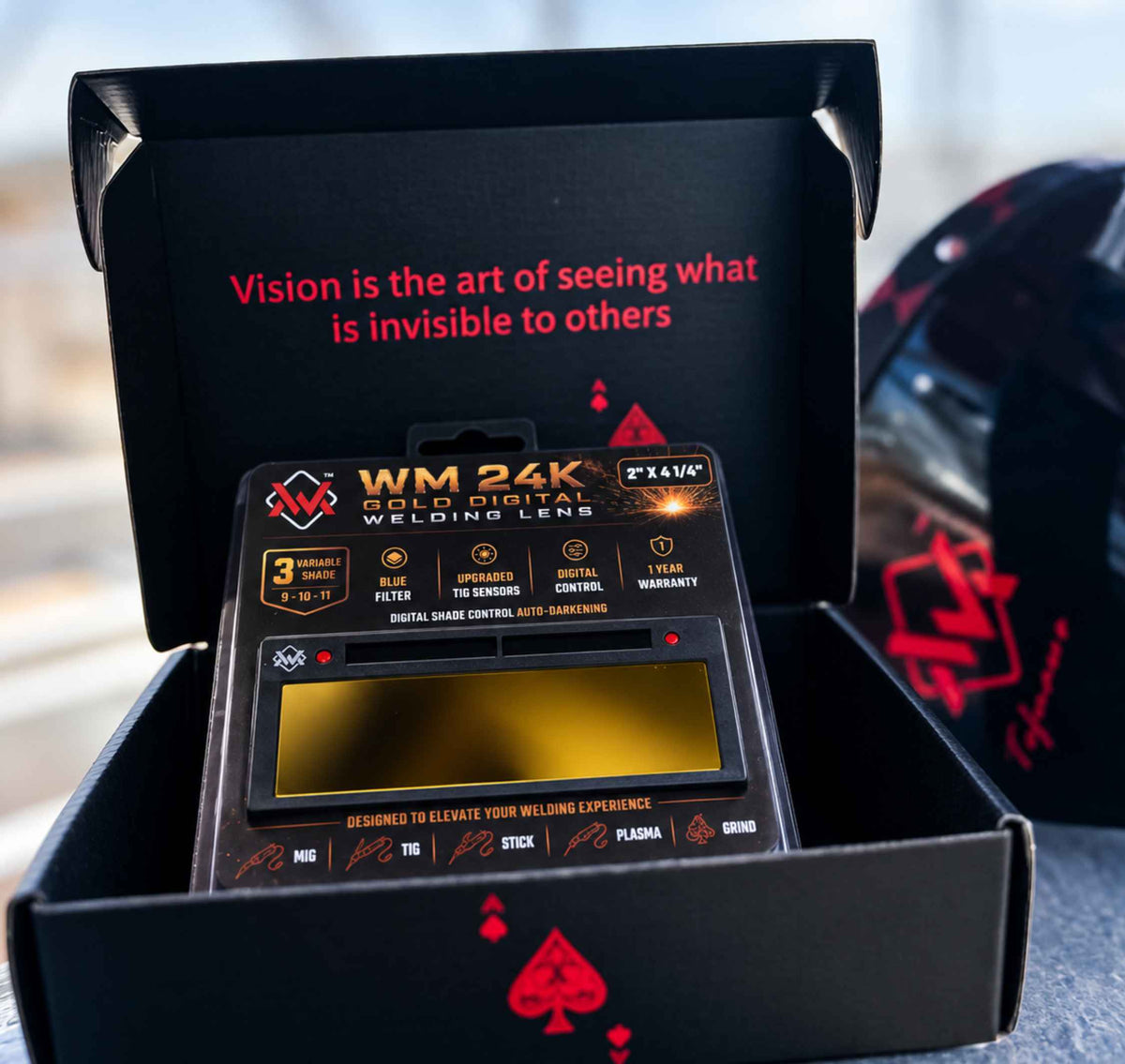
View lens
Digital / Solar

Choose the Blue View color with the same performance and controls.

Welding shades
9, 10, 11 — adjustable
Standout feature
Blue View + Grind Mode.
See specifications
How it works
Digital auto-darkening
Welding shades
9, 10, 11 — adjustable
View technology
Blue View filter
Adjustments
Shade, sensitivity + delay
Grind mode
Yes — dedicated Grind Mode
Power
Solar-powered
TIG capability
Down to 5 A; sensors need sufficient arc light
Size and fit
2 in × 4¼ in; approx. 5 mm thick
Optical rating
1/1/1/2

Before you chooseSame performance and features as the other two viewing-color models: Voltage X Pro, Platinum True Color, and 24K Gold Blue View. The main difference is viewing color.

TIG activation5 A TIG operation requires sufficient arc light reaching the sensors for proper activation.

View lens
Digital / USB-C

Choose a wider shade range, USB-C charging, and Hand Gesture control.

Welding shades
5–13 — adjustable
Standout feature
5–13 shades. USB-C charging.
See specifications
How it works
Digital auto-darkening
Welding shades
5–13 — adjustable
View technology
True Color
Adjustments
Shade, sensitivity + delay
Grind mode
Yes — Hand Gesture Weld/Grind
Power
Solar-assisted + 5V USB-C
TIG capability
Rated down to 2 A
Size and fit
2 in × 4¼ in; 0.19 in thick; cheater-lens compatible
Optical rating
1/1/1/2

Before you chooseStainless steel frame. Light State 3. Up to 300 charging cycles. TIG and battery figures are listed product ratings.

View lens
Digital / USB-C

Choose the 24K Pro model with the same listed core controls as Stainless Steel.

Welding shades
5–13 — adjustable
Standout feature
5–13 shades. USB-C charging.
See specifications
How it works
Digital auto-darkening
Welding shades
5–13 — adjustable
View technology
True Color
Adjustments
Shade, sensitivity + delay
Grind mode
Yes — Hand Gesture Weld/Grind
Power
Solar-assisted + 5V USB-C
TIG capability
Rated down to 2 A
Size and fit
2 in × 4¼ in; 0.19 in thick; cheater-lens compatible
Optical rating
1/1/1/2

Before you chooseStainless steel frame. Light State 3. Up to 300 charging cycles. TIG and battery figures are listed product ratings.

View lens

Swipe to explore the lenses

Compare two lensesTwo lenses. Clear differences. No sideways table.

Choose any two from the lineup.

Thicknesses marked approximate are approximate measurements. Specifications are supplied product information, not independent test results.

THE PERFECT PAIR

Complete your setup.

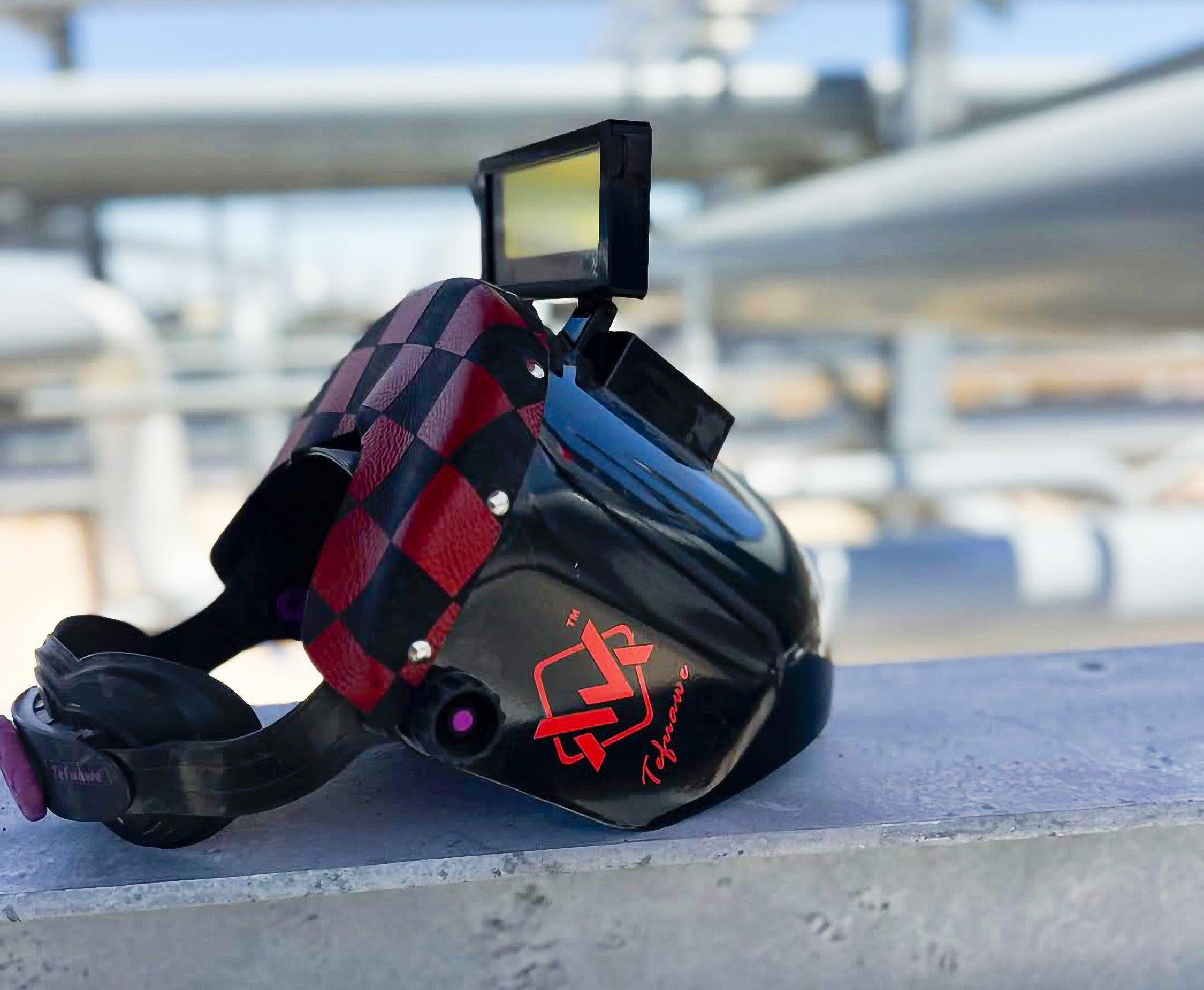
Every lens in this guide fits both BlazeShield and EliteWave. Choose your lens, pick your hood, and build your WM combo.

Hoods and lenses sold separately.

Choose the proper shade for your process and amperage, and wear approved safety glasses. Return from Grind to Weld before striking an arc. Follow the use notes for your selected lens.

Need help choosing? Ask WM

Your work. Your view.

Every welder has a preferred setup. Bring your WM lens into the workday with the viewing style and features you chose.

Forge Your Legacy in Style

Setup, care & support 

Before first use

Follow the instructions for your exact lens model. Power sources, controls, and operating steps vary across the WM range.

Shipping & returns

Check our Shipping Policy for processing and delivery estimates. For returns, review the eligibility requirements and instructions in our Refund Policy.

Product support

Contact WM with your lens model, order number, and a brief description of the issue. Photos or a short video help us review your request.